
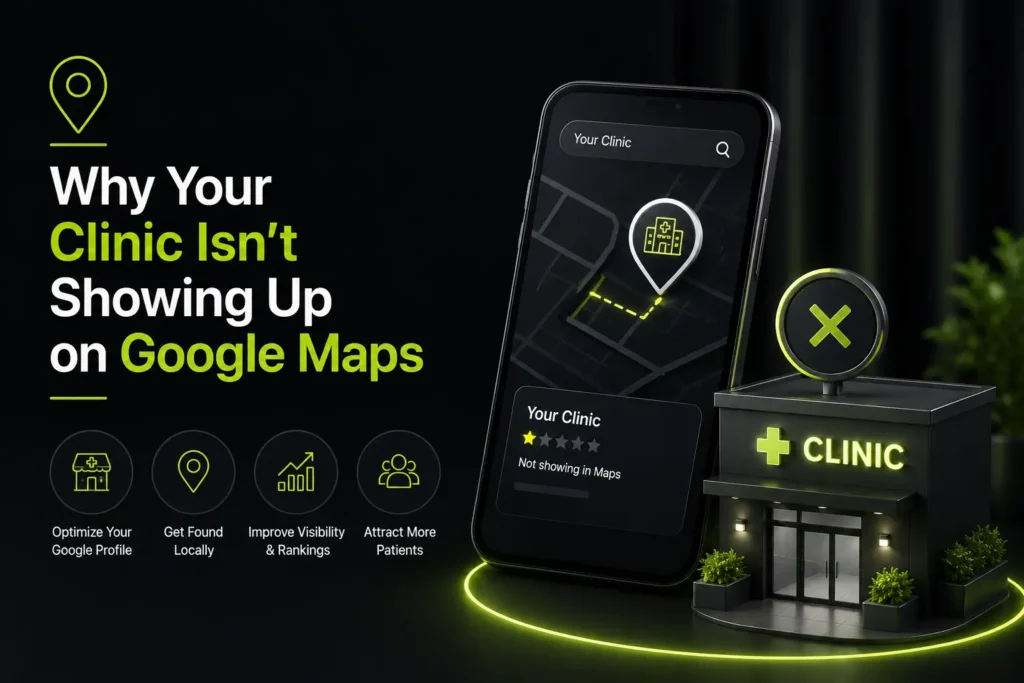
Google Business Profile optimization for doctors comes down to three things: a complete and correctly categorized profile, review volume that competes locally, and consistent practice details everywhere they appear. Distance is the fourth factor, and it is the only one you cannot change.
Patients search your specialty, see three listings, and call one. Your website never enters the decision. This article covers why your practice is missing from that block and what to do about it in the order that matters.
Diagnose before you optimize
Most guides hand you a checklist. Before you work through one, identify which of three problems you actually have — the fix is different for each.
- Nobody can find you at all. Search your practice name in Maps. If nothing appears, or an unclaimed listing appears, you have a claiming problem.
- You appear for your name but not for your specialty. Your profile exists but is thin, miscategorized, or inactive. This is a completeness problem.
- You appear for your specialty but below competitors. Your profile is fine and your review base is not. This is a prominence problem.
Working on content while you have a claiming problem is wasted effort. Solve them in that order.
Claim what already exists before creating anything
Google auto-generates listings from public data, which means a profile for your practice may already exist without your knowledge. Search your practice name, every former name, and every location individually before creating anything new.

Duplicate listings are common after a move, a rebrand, or a practice acquisition, and they split your signals between two records. Claim what exists, merge or remove duplicates, and use a practice-owned account rather than a staff member’s personal email — otherwise you lose access when they leave.
Practice profile or individual doctor profile?
This is the most misunderstood part of local search in healthcare, and it is genuinely allowed to be both.
A practice has a location listing for the office. An individual clinician who is public-facing and has their own patient base can also have a separate profile of their own. Both can exist, and for multi-provider practices both should.
- The practice profile carries the address, hours, services, and the main review base
- Each provider profile carries their name, specialty, credentials, and their own reviews
- Provider profiles point to a page on your site, ideally their bio page rather than the homepage
- Every profile must use identical practice details
Done properly, a five-physician group occupies more of the results page than a single listing ever could.
Completeness is a ranking factor, not housekeeping
Empty fields cost you position. Work through all of them.
- Primary category matching your actual specialty, with two or three relevant secondary categories
- The full service list, each with its own short description
- Hours including holiday hours, since gaps are treated as inaccuracy
- Photos of the exterior, interior, team, and equipment, refreshed rather than uploaded once
- Attributes patients filter on — accessibility, languages spoken, parking
- A booking link that fires directly into your scheduler, not a contact form
- Q&A monitored and pre-seeded with the questions your front desk answers daily
Reviews decide the last mile
Once several practices have complete profiles, reviews separate them. They also decide whether the listing converts once you have the position.
Install the request into your workflow rather than asking occasionally. Route requests to health directories as well as Google. Respond to everything below four stars, quickly and without clinical detail — a reply confirming someone was a patient is a disclosure. Never gate, filter, or incentivize.
Things that get profiles suspended
- Keyword stuffing the business name field
- A virtual office or a home address used as a public location
- Hours that do not match reality
- Provider profiles created for staff who are not public-facing clinicians
- Reviews that arrive in an obvious burst
Reinstatement is slow and uncertain. None of these are worth the risk.
What to check monthly
- Position for your top three specialty queries, checked from a location near your office rather than your desk
- New reviews, and whether anything below four stars is unanswered
- Photo count and date of last upload
- Any duplicate listings that have reappeared
- Whether Google has silently applied an edit to your details
Profile work sits inside a wider program, described in the wider search picture. If you are weighing what to pay for the rest, budgeting the rest of it covers scope.
Frequently Asked Questions
How long before profile changes affect ranking?
Usually two to six weeks for completeness changes to register, longer for review-driven movement since that compounds. If nothing has shifted by month three, the issue is likely category selection or a duplicate listing.
Can I have a profile for each doctor?
Yes, if they are public-facing with their own patient base. Google permits individual practitioner profiles alongside the practice listing, and for multi-provider groups it materially increases visibility.
Does posting weekly actually help?
Posts signal an active profile and drive clicks. Educational posts outperform promotional ones for healthcare. It is a modest lever, not a substitute for completeness and reviews.
What if a competitor is keyword-stuffing their name?
Report it through the redressal form rather than copying it. Name-field violations are enforced, and matching the behavior puts your own listing at risk.
Have Your Profile Checked
If you are invisible for your own specialty locally, the cause is usually one of the three diagnoses above. Care Digital Experts identifies which and fixes it in order. Have your profile checked whenever suits.







One Response